> For the complete documentation index, see [llms.txt](https://docs.emobiq.com/llms.txt). Markdown versions of documentation pages are available by appending `.md` to page URLs; this page is available as [Markdown](https://docs.emobiq.com/emobiq-ai/readme/plugins/additional-information.md).
# Additional Information
#### What’s Inside a Plugin?
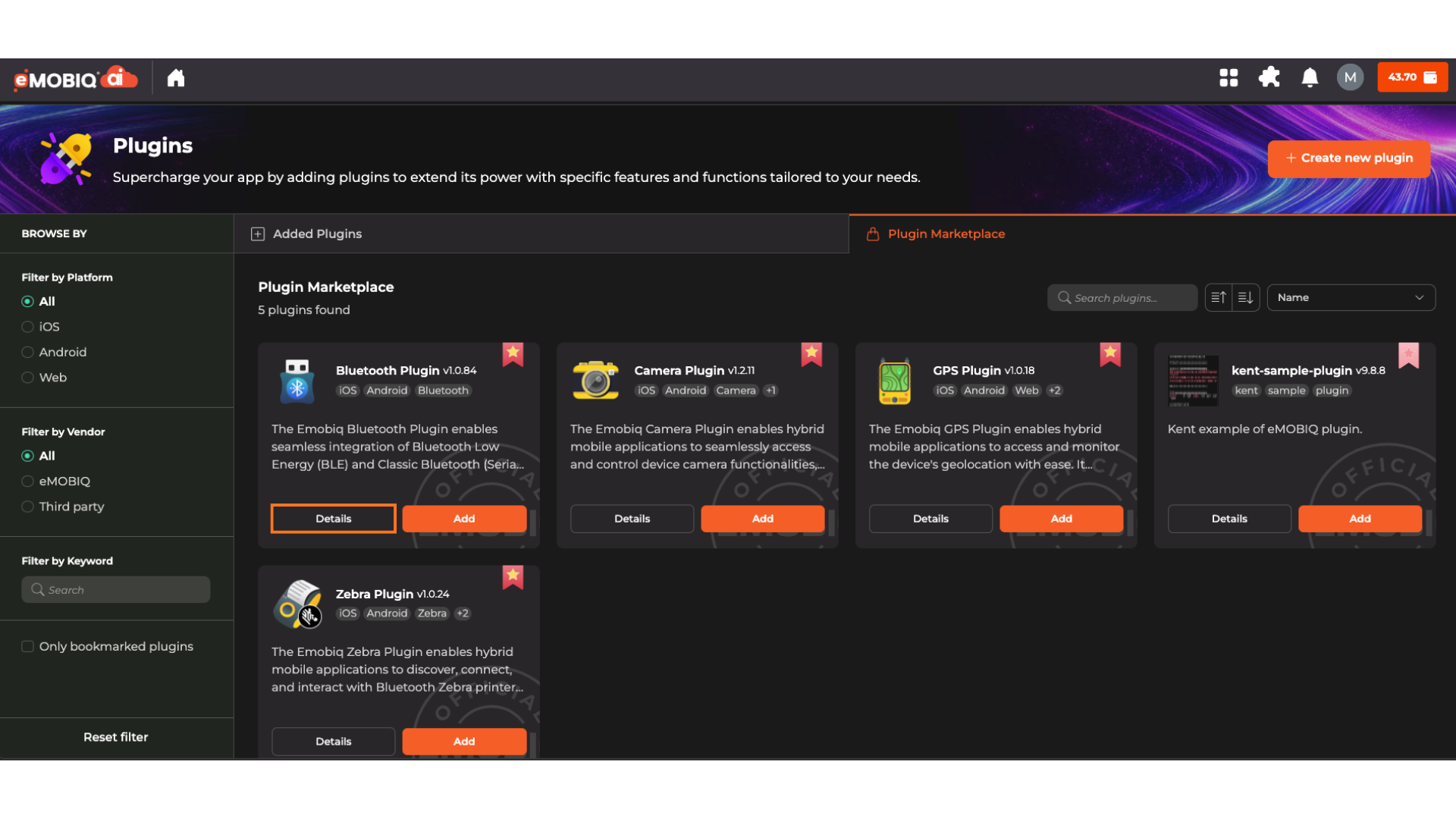
Click **Details** to view more details of the different plugins available for use.
#### Key Sections in Plugin Details
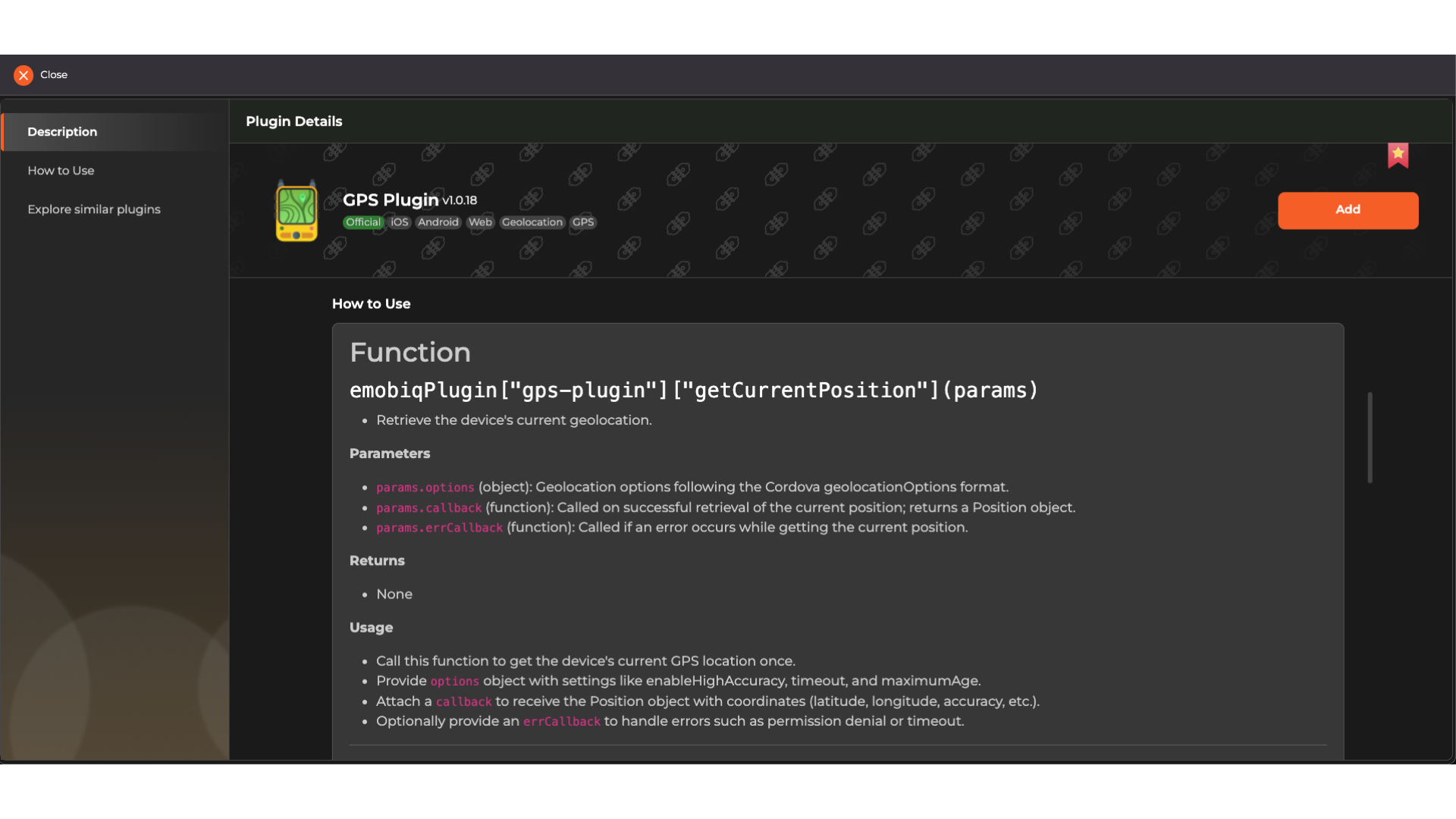
* **Function**: The exact JavaScript syntax to call (e.g., `emobiqPlugin["camera-plugin"]["takePicture"](params)`).
* **Parameters**: What data to pass in (e.g., `params.quality`, `params.saveToGallery`).
* **Returns**: What the function returns (e.g., image URI, error message).
* **Usage**: Real-world examples of how to use it.
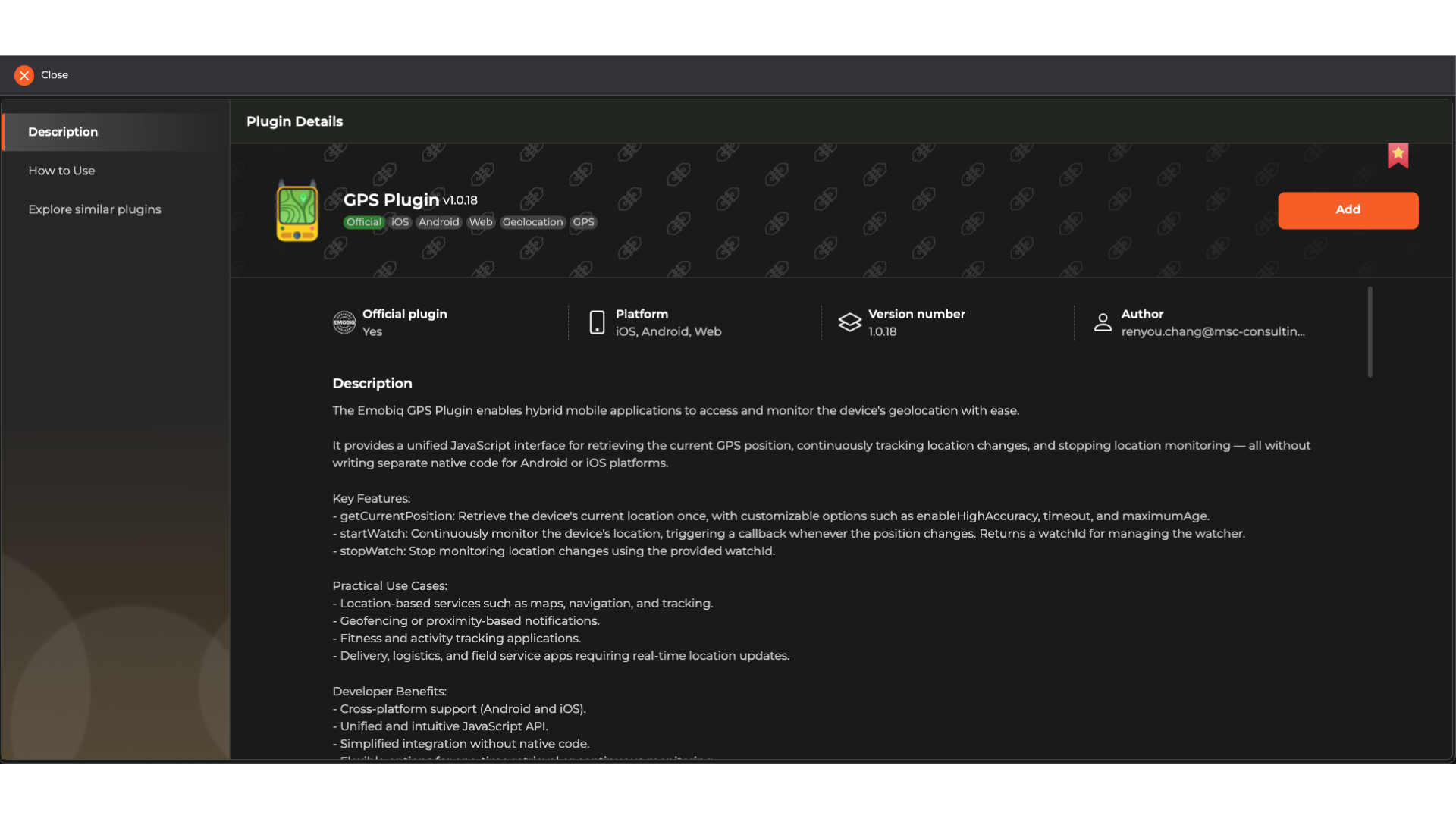
* **Description**: What the plugin does
* **Platform Support**: iOS, Android, Web
* **Version**: Always use the latest unless specified
* **Author**: Who built it (eMOBIQ or third party)
* **Function**: The exact API calls available that eMOBIQAI uses when creating or debugging the application
{% hint style="success" %}
***Tip**: Bookmark plugins you use often — they’ll appear under “Only bookmarked plugins”.*
{% endhint %}